
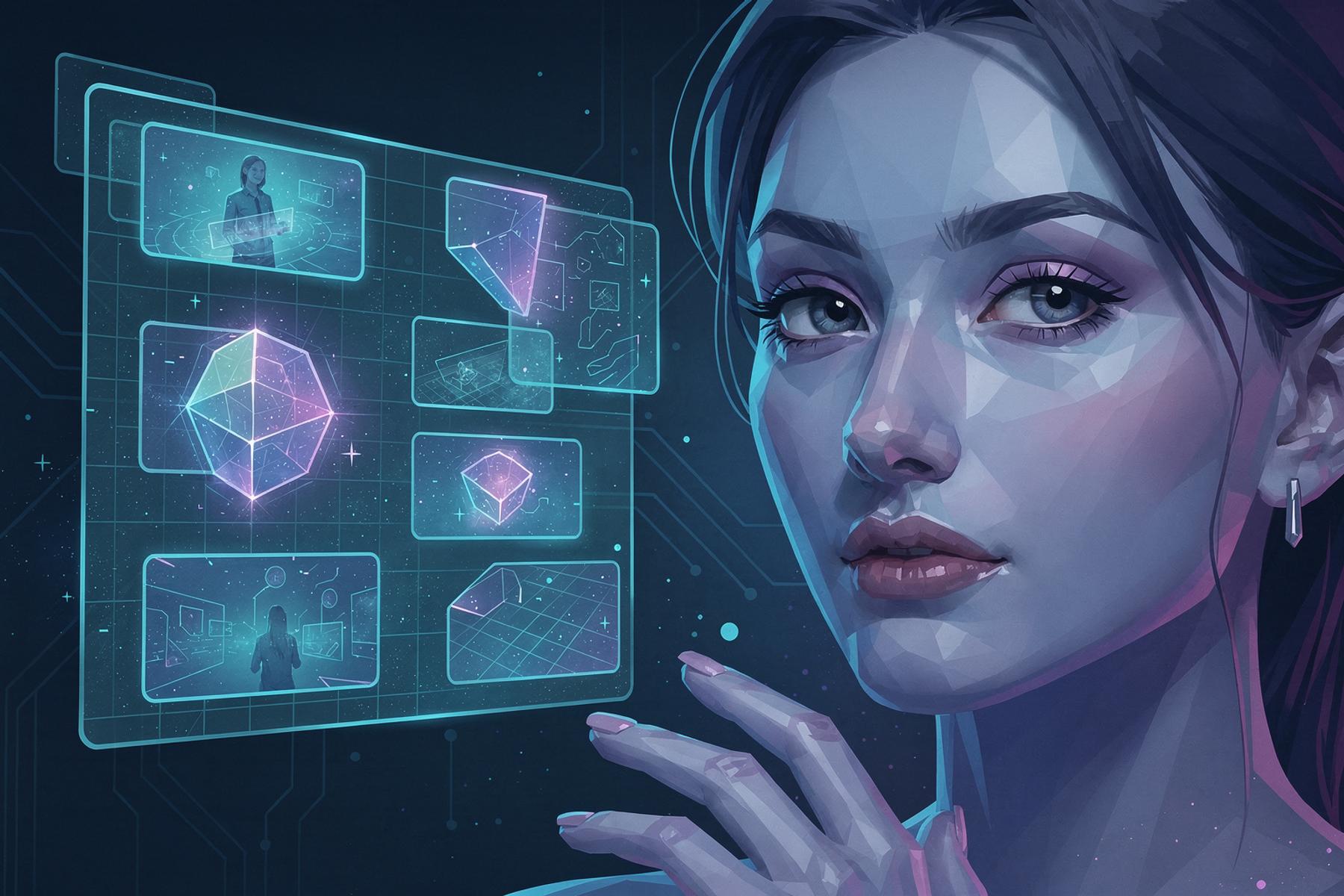
Why AI Images Often Look Visually Odd
Explore why AI-generated images sometimes appear visually unsettling, the science behind these anomalies, and how to identify them with confidence.
Understanding the Uncanny Valley in AI-Generated Images
AI-generated images have made remarkable strides in recent years, producing visuals that are often indistinguishable from human-created content. However, even the most advanced AI models can produce images that evoke a sense of visual oddness—a phenomenon that leaves viewers with an unsettling feeling. This discomfort is not random; it stems from specific patterns, artifacts, and inconsistencies that AI struggles to replicate accurately. Understanding these quirks is essential for anyone working with digital content, from journalists to educators and social media users.
The Science Behind Visual Oddness in AI Images
1. The Uncanny Valley Effect
The term “uncanny valley” was originally coined to describe the eerie feeling humans experience when encountering robots or animations that are almost—but not quite—human. This concept applies equally to AI-generated images. When an image is almost photorealistic but contains subtle imperfections, it triggers a subconscious sense of unease. AI models, despite their sophistication, often fail to capture the nuances of human anatomy, lighting, and perspective, leading to this unsettling effect.
2. Pattern Repetition and Over-Smoothing
AI models like DALL-E, Midjourney, and Stable Diffusion generate images by predicting patterns based on vast datasets. However, these models sometimes over-rely on repetitive textures or smooth out details excessively. For example:
- Hands and Faces: AI often struggles with the complexity of human hands, resulting in extra fingers, unnatural joint angles, or asymmetrical faces.
- Backgrounds: AI-generated landscapes may feature repetitive patterns, such as trees or clouds that look cloned or lack depth.
- Textures: Fabrics, skin, or natural surfaces may appear overly smooth or lack the fine details found in real-world images.
3. Inconsistent Lighting and Shadows
Lighting is one of the most challenging aspects for AI to replicate. Human photographers and artists intuitively understand how light interacts with objects, but AI models often produce inconsistencies, such as:
- Mismatched Shadows: Objects may cast shadows in conflicting directions.
- Unnatural Highlights: Reflections or glares may appear in illogical places, such as on the wrong side of an object.
- Flat Lighting: Some AI images lack the dynamic range of real-world lighting, making them appear flat or artificially lit.
4. Contextual and Logical Errors
AI models generate images based on statistical patterns rather than true understanding. This can lead to logical inconsistencies that are immediately noticeable to human observers. Examples include:
- Impossible Objects: Items that defy physics, such as floating objects without support or distorted perspectives.
- Misplaced Elements: Objects or body parts that appear in the wrong context, like a person wearing shoes on their hands.
- Cultural or Historical Inaccuracies: AI may generate images with anachronisms, such as modern clothing in a medieval setting or incorrect architectural details.
Why These Oddities Matter
The visual oddness in AI-generated images isn’t just a curiosity—it has real-world implications for content authenticity, trust, and verification. Here’s why it matters:
1. Academic Integrity
Educators and institutions rely on authentic student submissions. AI-generated images can be used to create fake artwork, essays, or research materials, undermining academic integrity. Tools like Detect AI Image help educators verify the authenticity of student work by identifying AI-generated content.
2. Journalism and Fact-Checking
In an era of misinformation, journalists must ensure the images they publish are genuine. AI-generated images can be used to create misleading or fabricated news stories. By understanding the visual oddities in AI images, journalists can better identify and verify the authenticity of visual content.
3. Social Media Authenticity
Viral images on social media can spread rapidly, but not all of them are real. AI-generated images can be used to manipulate public opinion or create fake trends. Users who recognize the visual oddities in AI images can avoid sharing misleading content and help maintain the integrity of online discourse.
4. Content Creation and Copyright
Content creators need to ensure their work is original and not inadvertently using AI-generated images. Additionally, understanding the visual oddities in AI images can help creators avoid unintentionally producing content that appears unnatural or low-quality.
How to Spot AI-Generated Images
While AI-generated images are becoming more sophisticated, there are still telltale signs that can help you identify them. Here are some practical tips:
1. Examine Hands and Faces
- Look for extra fingers, unnatural joint angles, or asymmetrical features.
- Pay attention to the eyes—AI often struggles with realistic eye details, such as reflections or pupil shapes.
2. Check for Repetitive Patterns
- Zoom in on textures like fabrics, skin, or natural elements. AI-generated images may feature repetitive or overly smooth patterns.
- Look for cloned elements, such as identical trees or clouds in a landscape.
3. Analyze Lighting and Shadows
- Check if shadows are consistent across the image. AI often produces shadows that point in conflicting directions.
- Look for unnatural highlights or reflections that don’t align with the light source.
4. Look for Contextual Errors
- Identify impossible objects or illogical elements, such as floating items or misplaced body parts.
- Check for cultural or historical inaccuracies, like modern clothing in a historical setting.
5. Use AI Detection Tools
While manual inspection can be helpful, AI detection tools like Detect AI Image provide a more reliable way to verify image authenticity. These tools analyze multiple characteristics of an image, including patterns, artifacts, and metadata, to determine whether it was generated by AI.
The Role of AI Detection Tools
AI detection tools are designed to help users navigate the complexities of AI-generated content. Here’s how they work and why they’re valuable:
1. Advanced Algorithms
Tools like Detect AI Image use machine learning models trained on both real and AI-generated images. These models analyze multiple characteristics, such as patterns, artifacts, and inconsistencies, to determine the likelihood that an image was generated by AI.
2. Confidence Scores
Rather than providing a binary yes/no answer, AI detection tools offer confidence scores. This approach acknowledges the probabilistic nature of AI detection and provides users with a more nuanced understanding of the results.
3. Privacy and Security
Privacy is a top priority for AI detection tools. Detect AI Image analyzes images securely without storing or sharing user data, ensuring that your content remains confidential.
4. User-Friendly Interface
AI detection tools are designed to be accessible to users of all technical levels. With a simple upload process and instant results, tools like Detect AI Image make it easy for anyone to verify image authenticity.
Real-World Examples of AI Image Oddities
To better understand the visual oddness in AI-generated images, let’s look at some real-world examples:
1. The Pope in a Puffa Jacket
In 2023, an AI-generated image of Pope Francis wearing a stylish white puffer jacket went viral. While the image was convincing at first glance, closer inspection revealed telltale signs of AI generation:
- The jacket’s texture appeared overly smooth and lacked realistic fabric details.
- The Pope’s hands were slightly distorted, with unnatural finger proportions.
- The background lacked depth and appeared artificially blurred.
2. AI-Generated Celebrity Photos
AI-generated images of celebrities, such as Tom Hanks or Taylor Swift, have also circulated online. These images often feature:
- Unnatural skin textures, such as overly smooth or plastic-like appearances.
- Inconsistent lighting, with shadows or highlights that don’t align with the light source.
- Distorted facial features, such as asymmetrical eyes or misaligned teeth.
3. Fake News Images
AI-generated images have been used to create fake news stories, such as fabricated scenes of natural disasters or political events. These images often include:
- Repetitive patterns in backgrounds, such as cloned trees or buildings.
- Contextual errors, like modern vehicles in a historical setting.
- Inconsistent perspectives, such as objects that appear to float or defy gravity.
The Future of AI Image Generation and Detection
As AI image generation technology continues to evolve, so too will the tools used to detect AI-generated content. Here’s what the future may hold:
1. Improved Realism
AI models are becoming increasingly sophisticated, with better handling of lighting, textures, and contextual details. This will make it more challenging to distinguish AI-generated images from real ones, emphasizing the need for advanced detection tools.
2. Enhanced Detection Algorithms
AI detection tools will continue to improve, incorporating new techniques to identify the subtle artifacts and inconsistencies in AI-generated images. Tools like Detect AI Image are already leveraging machine learning to stay ahead of the curve.
3. Regulation and Labeling
As AI-generated content becomes more prevalent, there may be increased regulation around its use. This could include mandatory labeling of AI-generated images, making it easier for users to identify and verify content.
4. Education and Awareness
Educating users about the visual oddities in AI-generated images will be crucial. By understanding the telltale signs of AI content, users can make more informed decisions about the authenticity of the images they encounter.
Practical Steps for Verifying Image Authenticity
Given the challenges of identifying AI-generated images, here are some practical steps you can take to verify image authenticity:
1. Use AI Detection Tools
Tools like Detect AI Image provide a quick and reliable way to check whether an image was generated by AI. Simply upload the image and receive an instant analysis with a confidence score.
2. Cross-Reference with Other Sources
If you’re unsure about an image’s authenticity, cross-reference it with other sources. For example, if an image claims to show a recent event, check reputable news outlets to see if they’ve published similar images.
3. Reverse Image Search
Use reverse image search tools like Google Images or TinEye to see if the image appears elsewhere online. This can help you determine whether the image is original or has been manipulated.
4. Look for Metadata
Check the image’s metadata for clues about its origin. While metadata can be edited, it may still provide valuable information about the image’s creation date, location, and device.
5. Consult Experts
If you’re still unsure about an image’s authenticity, consult experts in digital forensics or content verification. They can provide a more detailed analysis and help you make an informed decision.
Conclusion
AI-generated images are becoming increasingly sophisticated, but they still often exhibit visual oddities that can make them appear unsettling or unnatural. By understanding the science behind these anomalies—such as the uncanny valley effect, pattern repetition, and contextual errors—you can better identify AI-generated content and make informed decisions about image authenticity.
Tools like Detect AI Image play a crucial role in this process, offering a reliable way to verify whether an image was generated by AI. Whether you’re an educator, journalist, content creator, or social media user, understanding the visual oddities in AI images and using the right tools can help you navigate the complexities of digital content with confidence.
As AI technology continues to evolve, staying informed and using advanced detection tools will be key to maintaining trust and authenticity in the digital world.